Feedback
We would love to hear your feedback about this documentation. Tell us about the sections you’d like explained further, the questions you’d like covered in more depth, or anything else about our CMS platform, and we’ll work on it for your convenience.
Send feedback
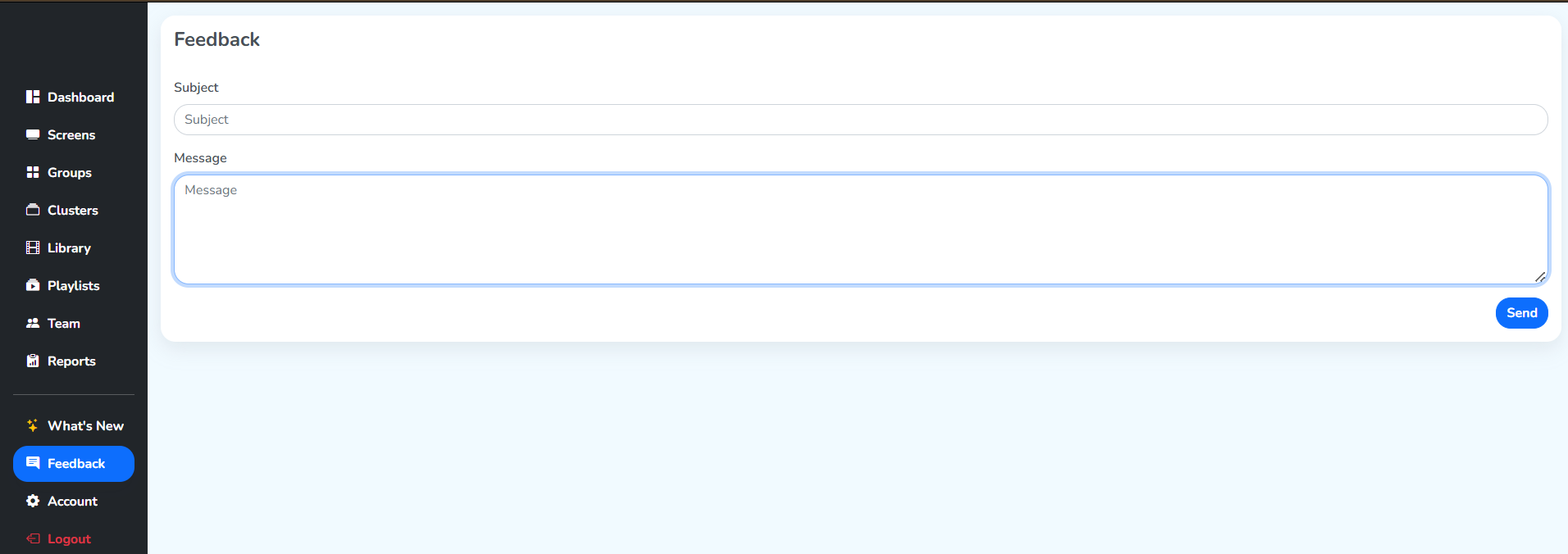
Step 1: Click on the Feedback tab in the left sidebar.
Step 2: Write what the feedback is about in Subject, then write your feedback in Message.
Step 3: Click the Send button to submit your feedback.