Media Toolbar

This toolbar shows every uploaded media file, sorts them by two criteria, searches them, and arranges them on the page the way you like.
Sorting on the basis of media type
All, Videos and Photos
All shows every photo and video together, newest first.
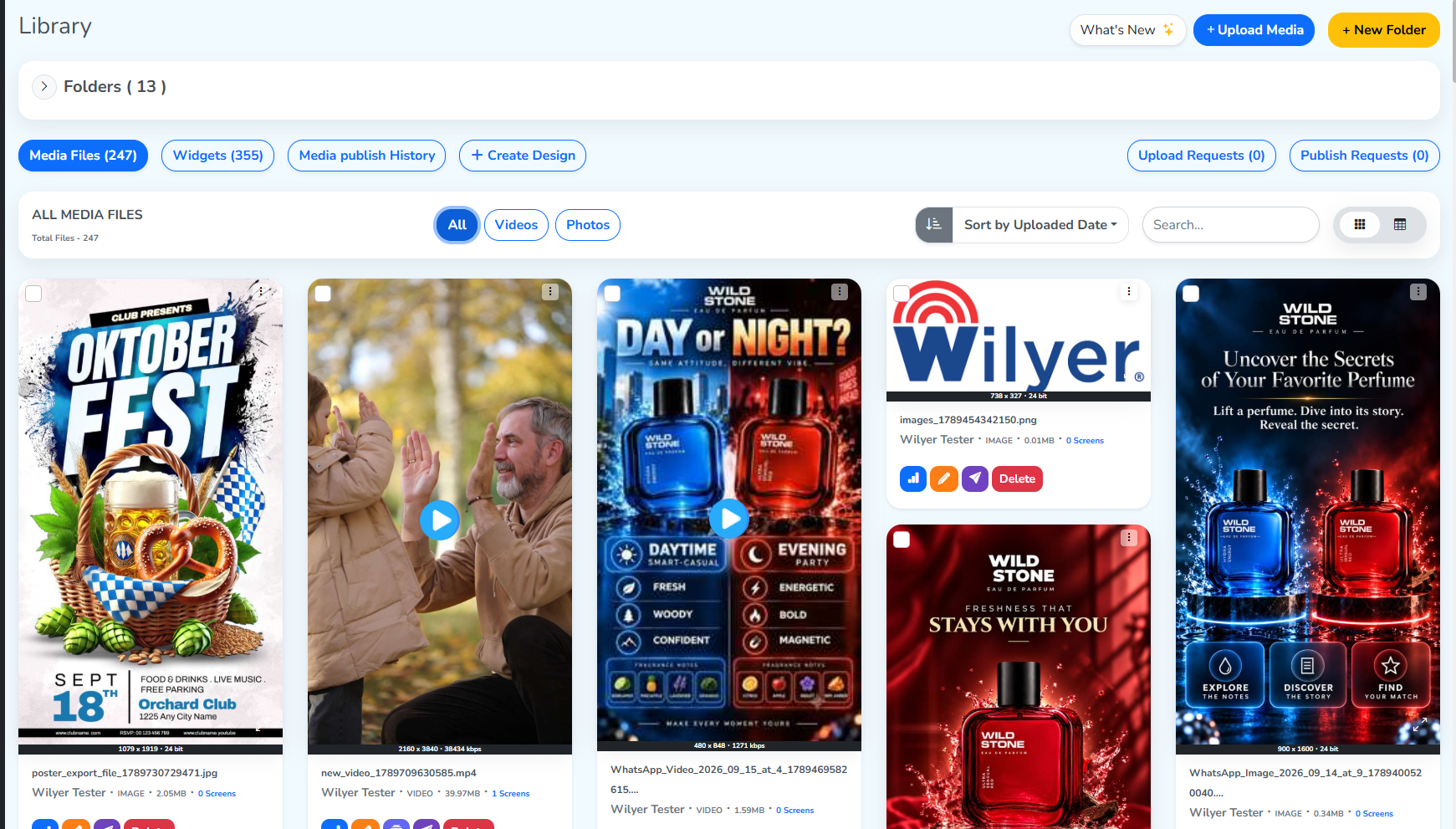 Photos and videos combined
Videos narrows the grid to videos only.
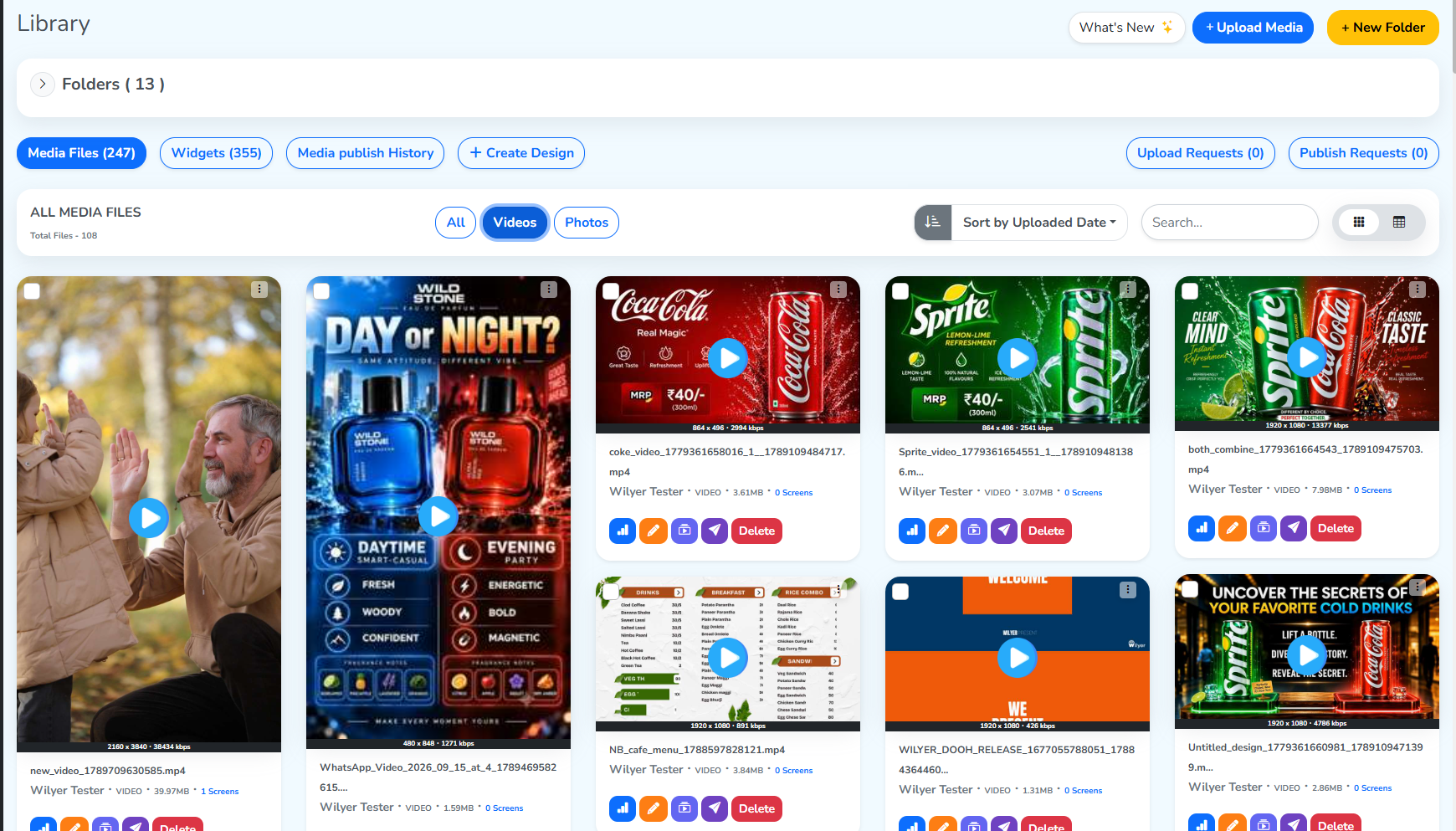 Videos selected
Photos narrows the grid to photos only.
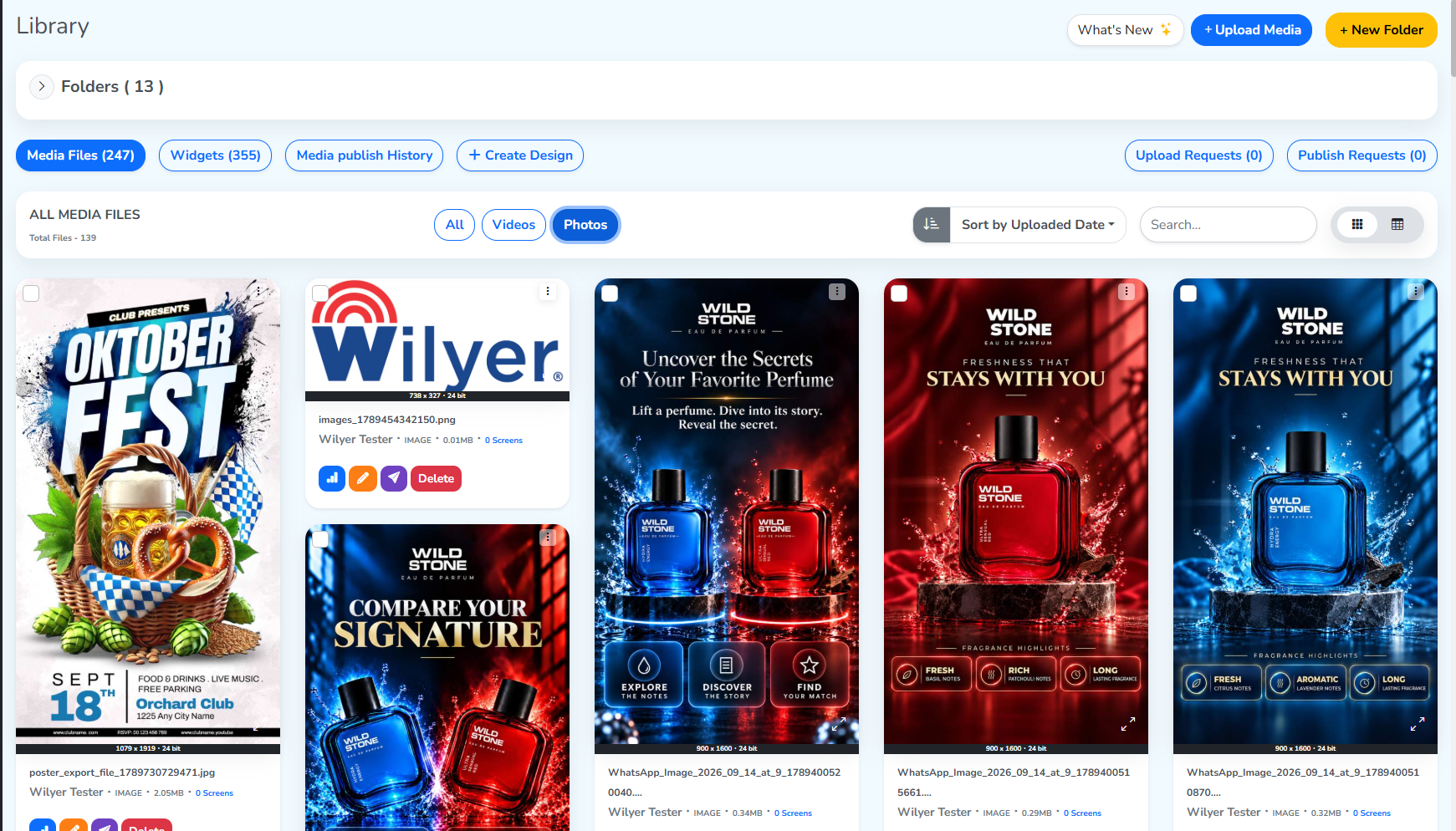 Photos selected
Sorting by uploaded date or size
The default sorts by upload date, newest first. The same order All, Videos and Photos all use above. Changing the sort here changes it in every one of them.
 The two sort criteria
The arrow beside it reverses the direction: pointing down sorts newest upload to oldest, or largest file to smallest. Pointing up sorts oldest to newest, or smallest to largest.
Search
Search finds media two ways: by its file name, or by the unique file ID this section gives it.
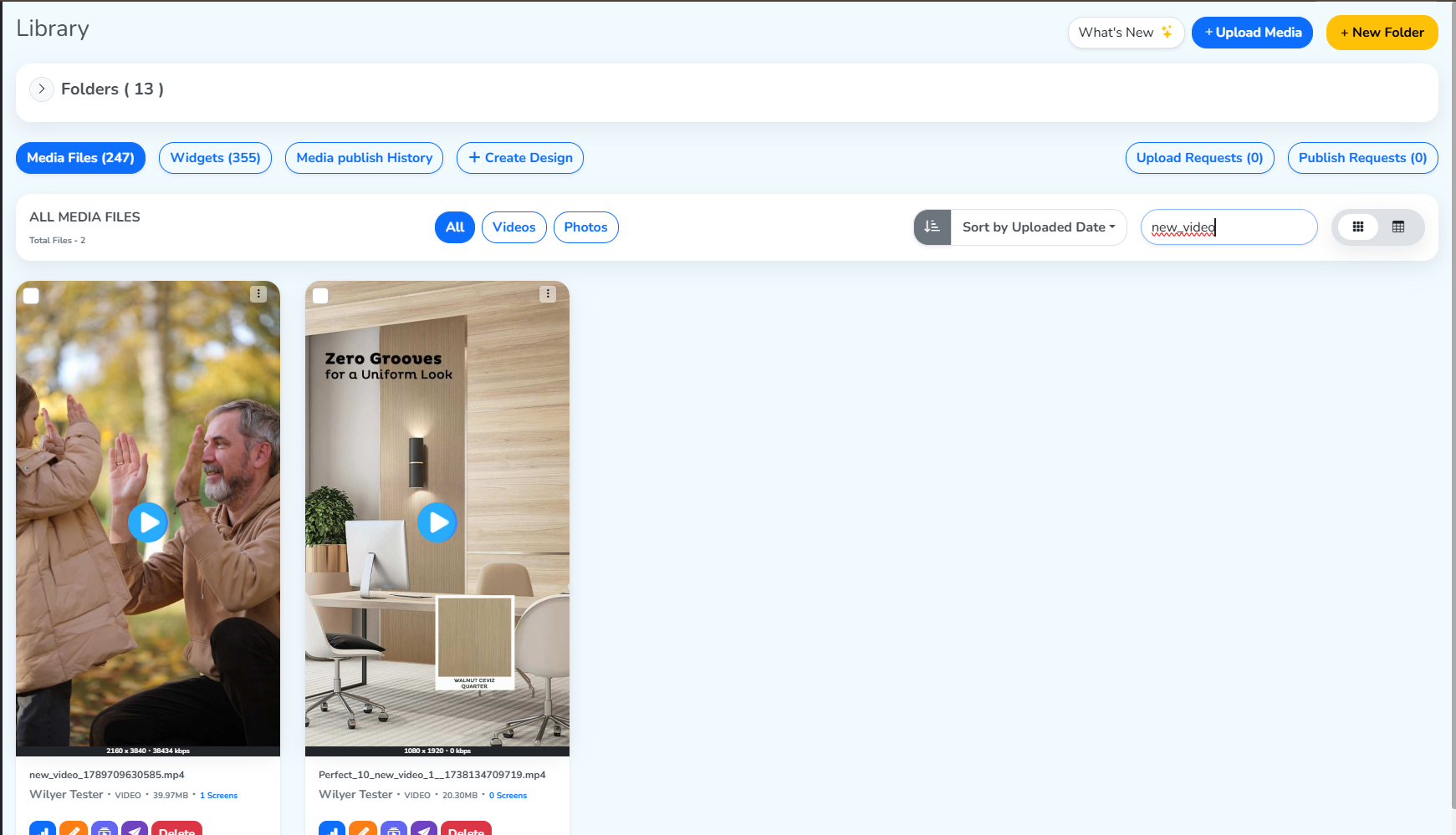 Searching the file by name
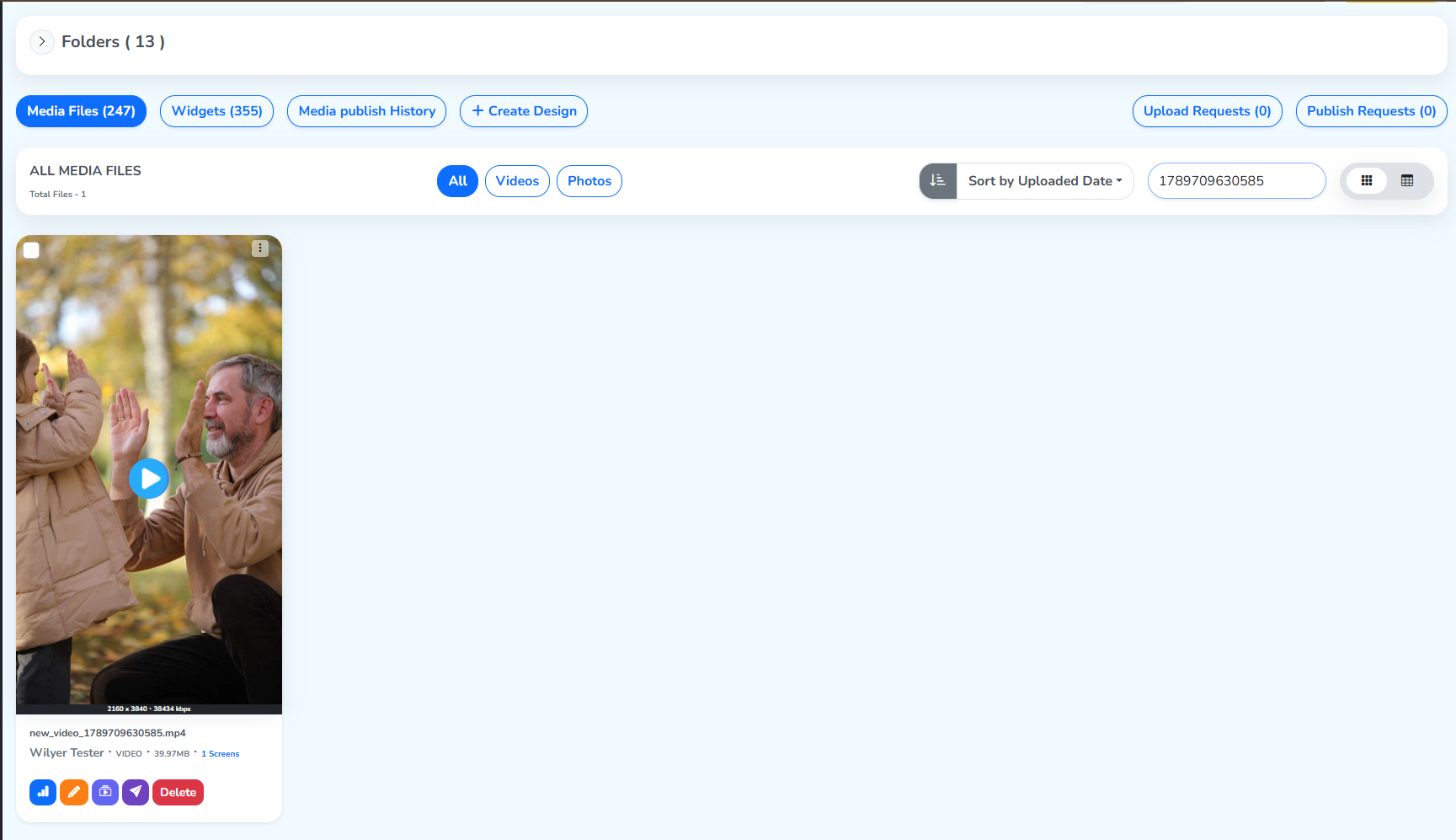 Searching the file by unique ID
Grid and list view
Two icons switch how the grid is arranged.

The grid view is the default: each tile shows its analytics, edit, variants, publish and delete options, along with the file name, unique ID, file size and the number of screens it plays on.
The list view lays the same files out in rows instead.
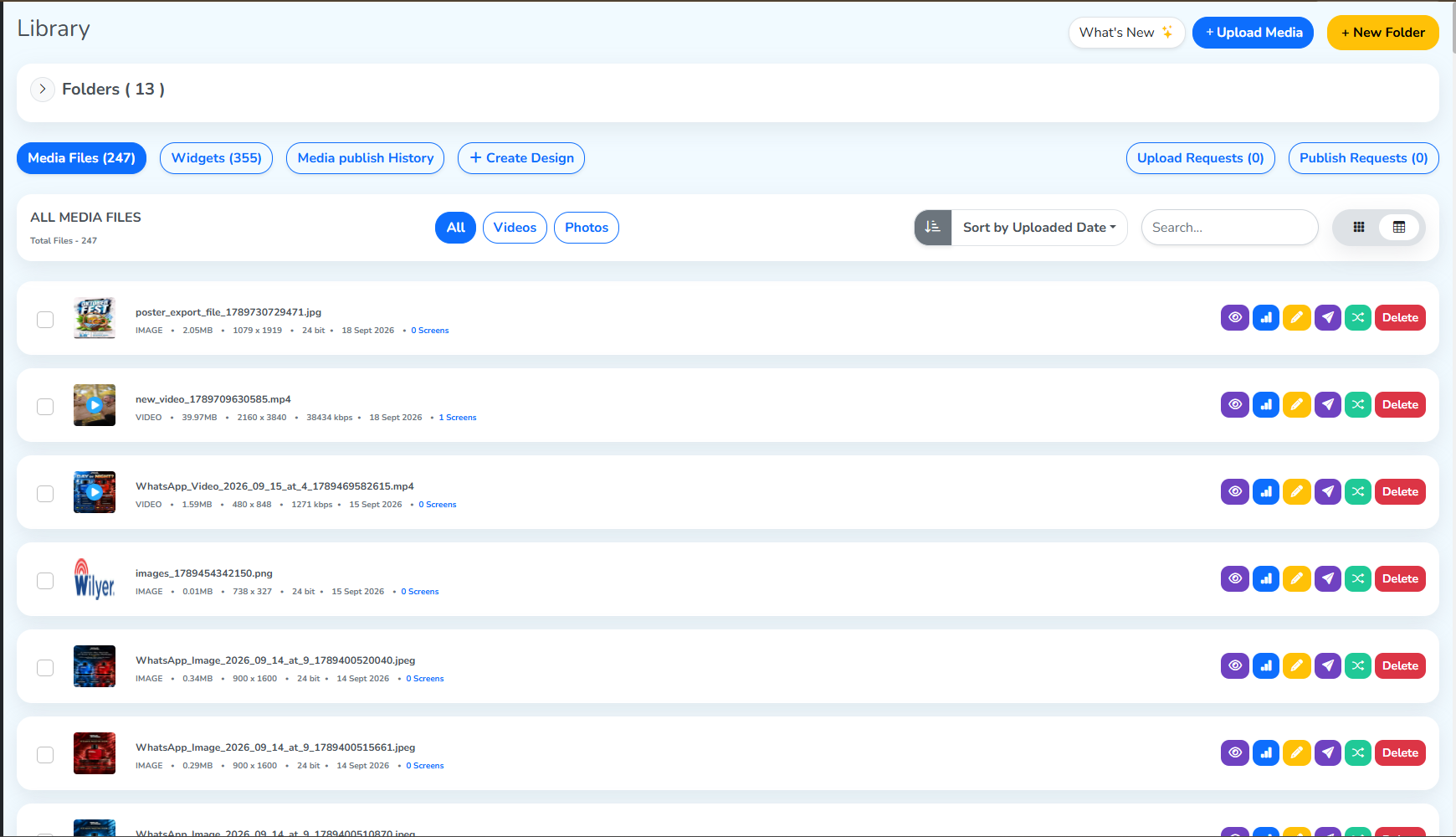 Now showing the list